Screenshots
See OCR Util in action
Features
Screen Capture
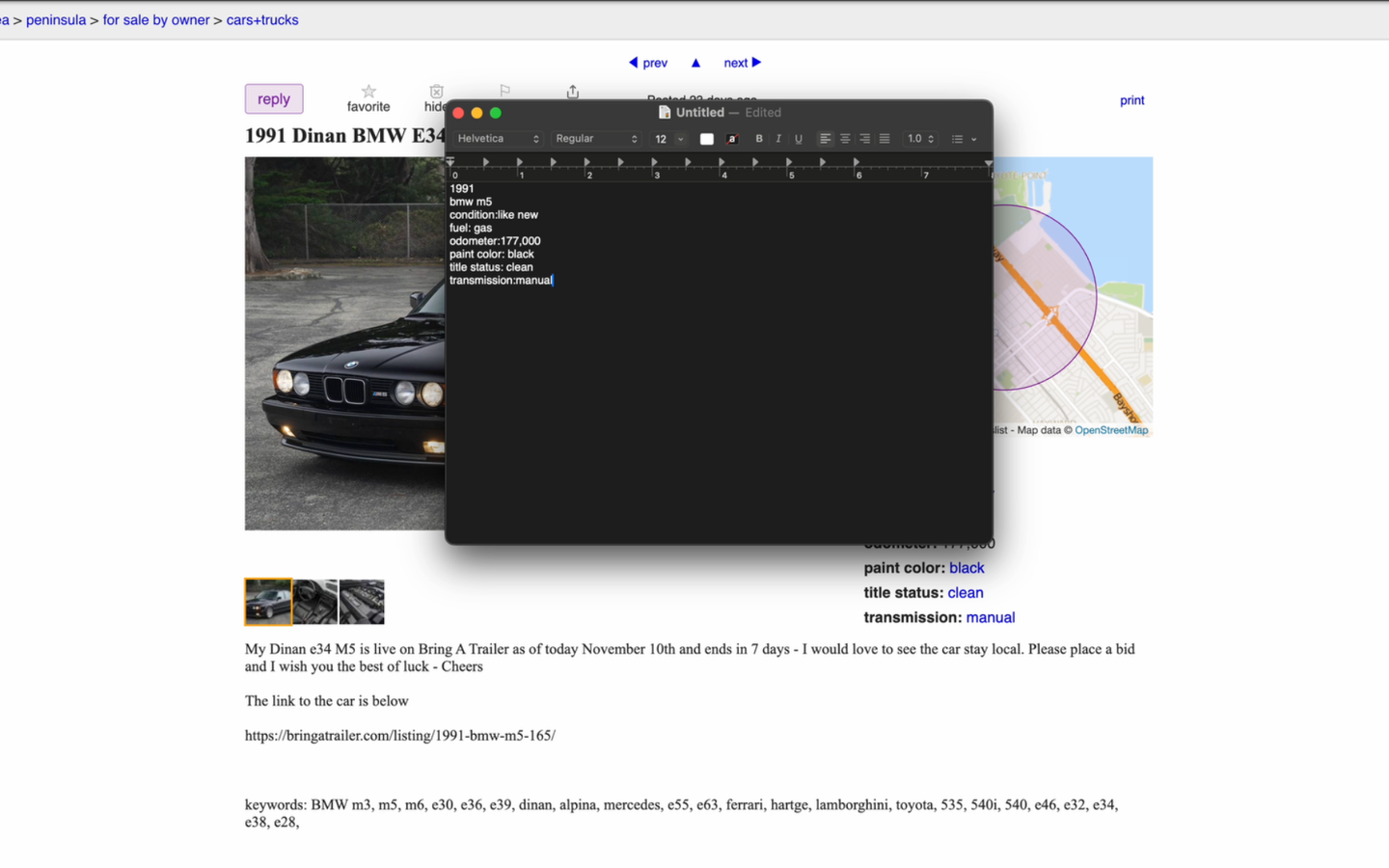
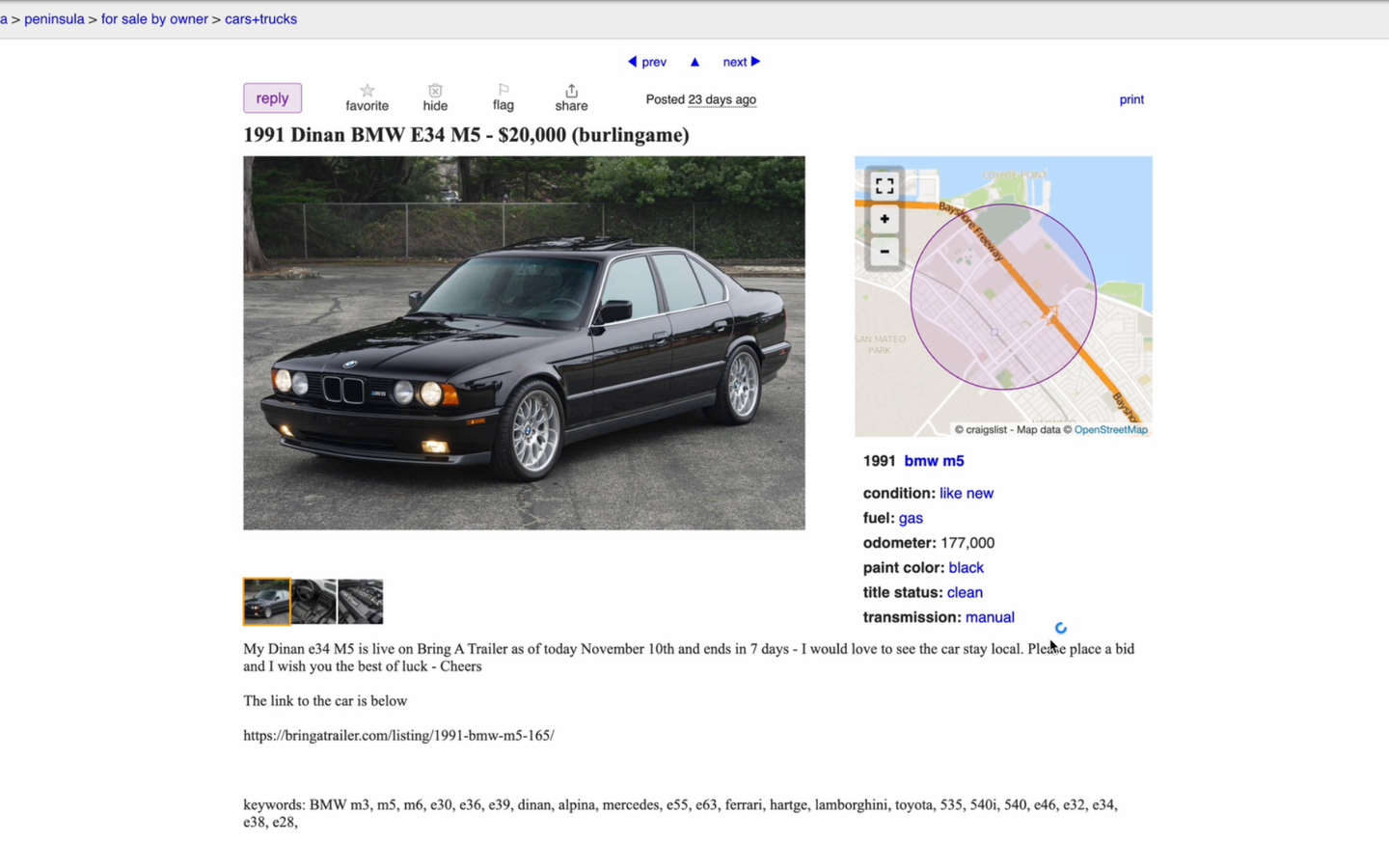
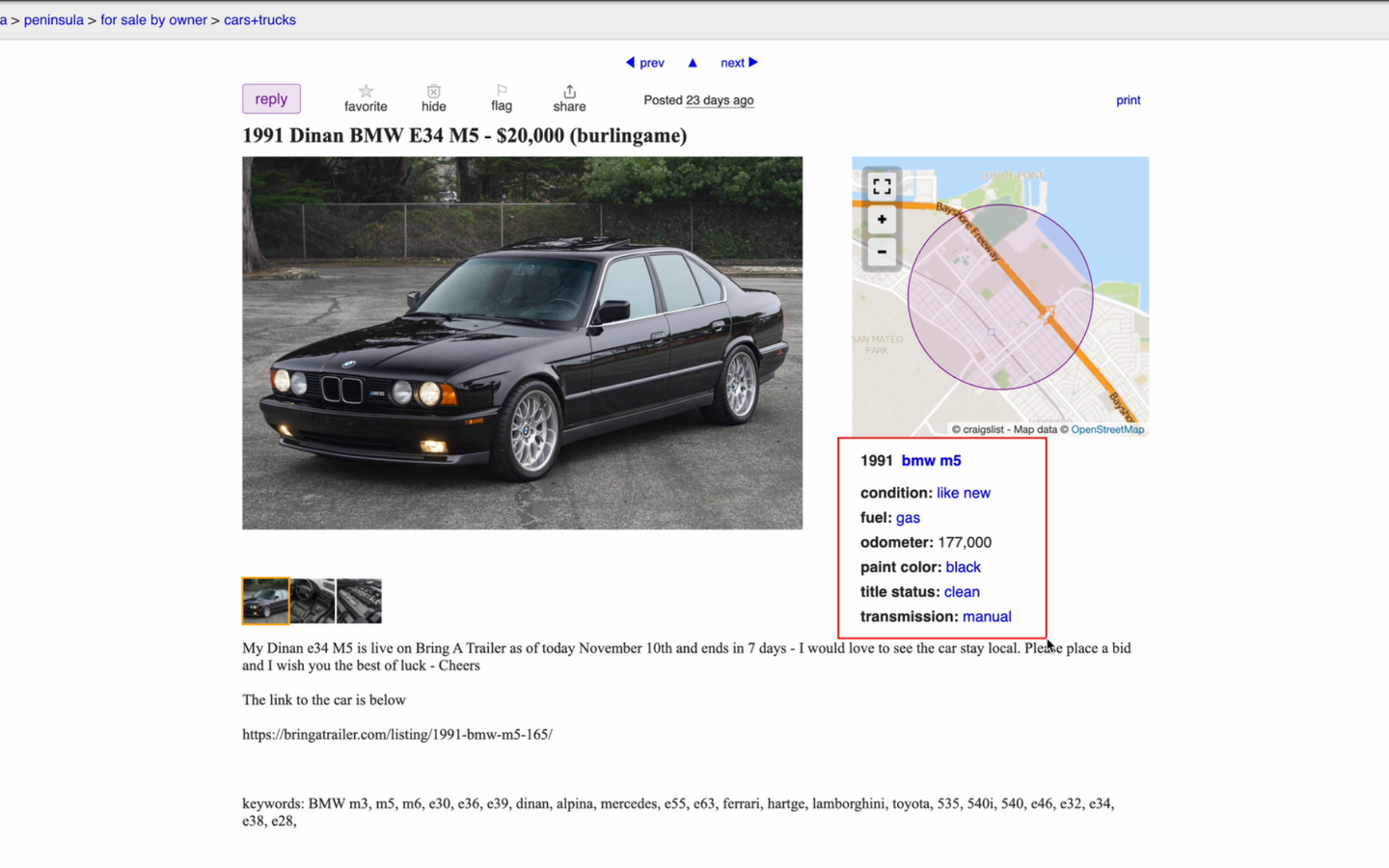
Capture any area of your screen with ease and extract text instantly using advanced OCR technology.
Hotkey Support
Customizable hotkeys for quick access. Capture and OCR text with a single keystroke.
Clipboard Integration
Automatically copy extracted text to your clipboard for seamless workflow integration.
Fast & Accurate
Powered by advanced OCR engines for fast and accurate text recognition from images.
Support
Need Help?
If you're experiencing issues or have questions about OCR Util, we're here to help.
Common Issues:
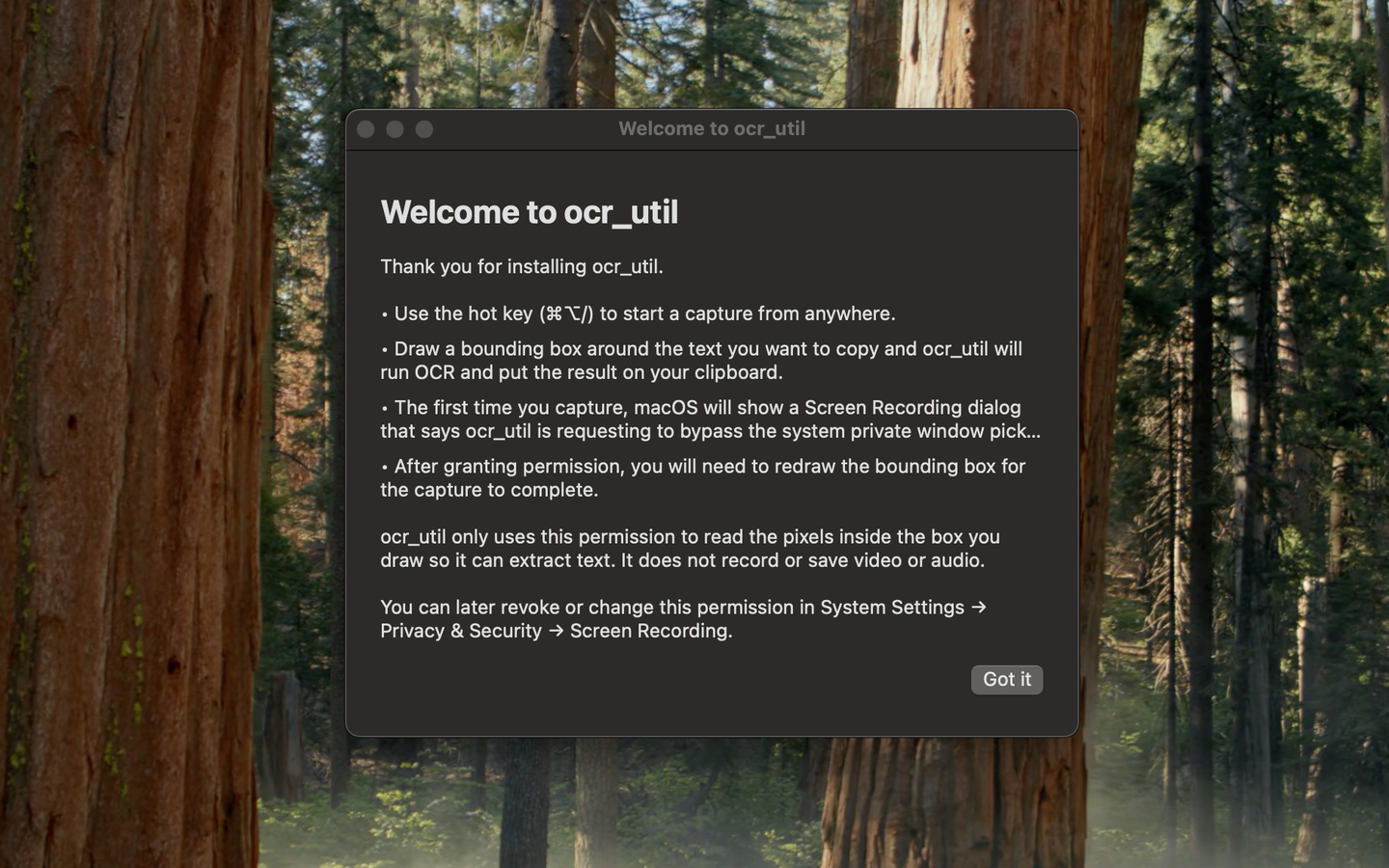
- Ensure you have granted screen recording permissions in System Preferences
- Check that your macOS version is compatible (macOS 11.0 or later)
- Verify that hotkeys are not conflicting with other applications
Getting Started
After installing OCR Util, you'll need to:
- Grant screen recording permissions when prompted
- Configure your preferred hotkey in Settings
- Press your hotkey to capture and OCR any screen area
Contact
For additional support or to report bugs, please contact us through the App Store or visit our support page.
Privacy
Privacy Policy for OCR Util
OCR Util is designed to respect your privacy by default. The app performs text recognition locally on your Mac and never sends your screenshots or recognized text to any server that we control.
All OCR processing is performed entirely on your device. No screenshots, text, images, or captured data ever leave your Mac.
We do not build profiles, run analytics on your content, or track how you use the app beyond what Apple provides in aggregated, privacy-preserving diagnostics (if you choose to share those with developers in macOS settings).
OCR Util does not use third-party analytics, SDKs, cloud services, or external APIs.
- No sign-up, accounts, or cloud services.
- No logging or retention of screenshots or recognized text.
- No third-party SDKs for advertising or behavioral tracking.
- All OCR processing happens locally on your Mac.
Our goal is to put power in the hands of users: fast OCR when you need it, and nothing left behind when you don't.
Contact
If you have any questions about this policy or how OCR Util handles data, contact: